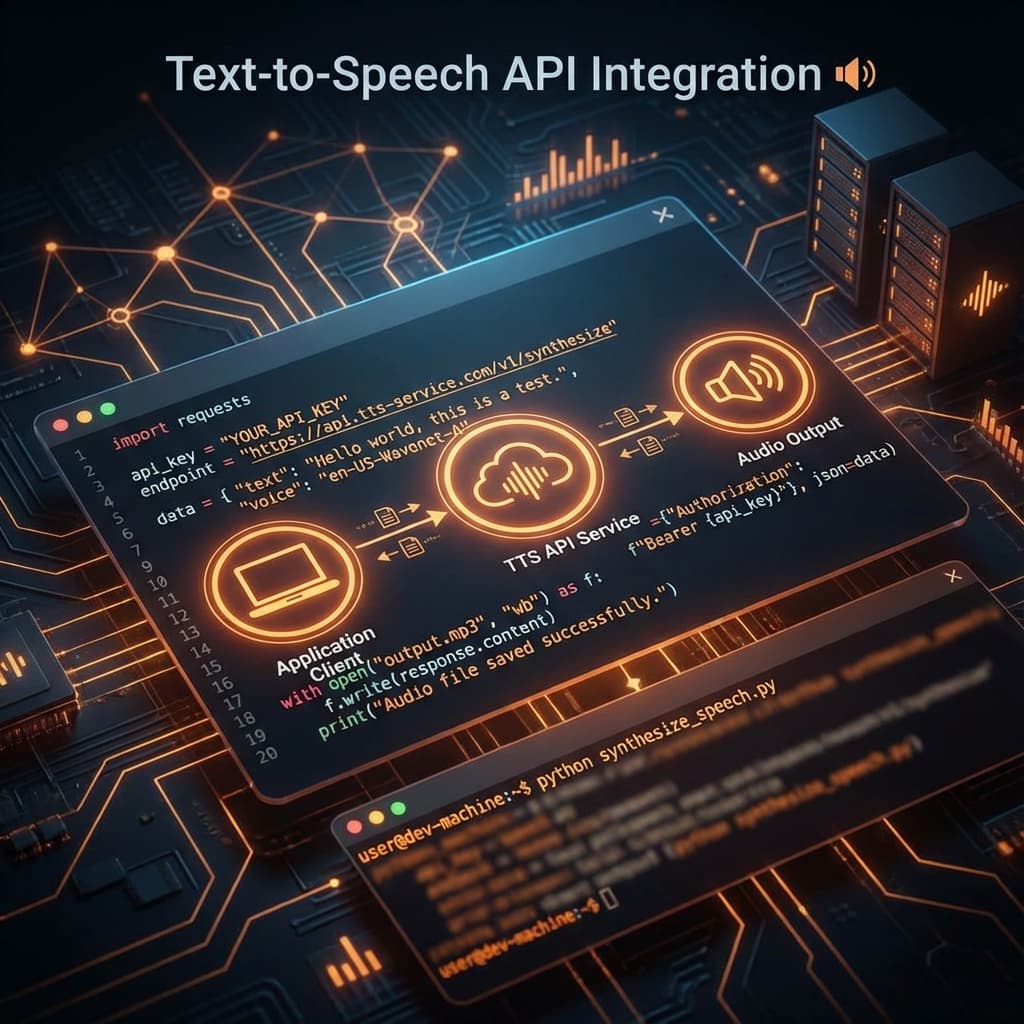
10 Best Practices for Text-to-Speech API Integration
Integrating a text-to-speech API into your application can dramatically enhance user experience. Here are 10 proven best practices to ensure a smooth implementation.
1. Cache Audio Output
Generating the same text repeatedly wastes API calls and money. Implement caching:
const audioCache = new Map();

async function synthesizeSpeech(text, voice) {
  const cacheKey = `${text}-${voice}`;

  if (audioCache.has(cacheKey)) {
    return audioCache.get(cacheKey);
  }

  const audio = await langvoice.synthesize(text, { voice });
  audioCache.set(cacheKey, audio);
  return audio;
}
2. Handle Errors Gracefully
Always implement proper error handling:
try {
  const audio = await langvoice.synthesize(text);
  playAudio(audio);
} catch (error) {
  if (error.code === 'RATE_LIMITED') {
    await wait(1000);
    retry();
  } else {
    showFallbackContent();
  }
}
3. Use Streaming for Long Content
For lengthy text, use streaming to start playback immediately:
const stream = await langvoice.stream(longText);
stream.on('data', (chunk) => audioPlayer.appendBuffer(chunk));
4. Optimize Text Before Sending
Pre-process text to reduce API costs and improve quality:
- Remove unnecessary whitespace
- Expand abbreviations
- Convert numbers to words when appropriate
5. Implement Rate Limiting
Protect against abuse and control costs:
const rateLimit = require('express-rate-limit');

app.use('/api/tts', rateLimit({
  windowMs: 60000, // 1 minute
  max: 20 // 20 requests per minute
}));
6. Choose Appropriate Audio Formats
Select the right format for your use case:
- MP3: Best for web (small size, wide support)
- WAV: Best for quality-critical applications
- OGG: Good quality-to-size ratio
7. Implement Authentication Securely
Never expose API keys in client-side code:
// ❌ Bad: API key in frontend
const api = new LangVoice({ apiKey: 'sk-123...' });

// ✅ Good: Proxy through your backend
const response = await fetch('/api/synthesize', {
  method: 'POST',
  body: JSON.stringify({ text })
});
8. Monitor Usage and Costs
Set up alerts for unusual usage patterns:
- Track requests per user
- Monitor character counts
- Set monthly budget alerts
9. Test Across Different Inputs
Test your integration with:
- Multiple languages and scripts
- Special characters and emojis
- Very long and very short texts
- Edge cases like empty strings
10. Provide User Controls
Give users control over their experience:
- Voice selection
- Playback speed
- Volume controls
- Pause/resume functionality
Conclusion
Following these best practices will help you build a robust, cost-effective TTS integration. LangVoice's API is designed with developers in mind, offering all the features you need for a seamless integration.
Tags
Ready to Transform Your Text to Speech?
Try LangVoice free and experience the most natural AI voices for your content.
Try LangVoice Free