How to Add AI Voiceovers to YouTube Videos: Complete Guide
Creating engaging YouTube content requires great audio. AI voiceovers are revolutionizing how creators produce videos, making professional narration accessible to everyone.
Why Use AI Voiceovers for YouTube?
The Traditional Approach
- Record yourself (requires good microphone, quiet room)
- Hire voice actors ($50-$500 per video)
- Re-record for mistakes (time-consuming)
The AI Approach
- Generate instantly from script
- Consistent quality every time
- Edit text, not audio
Getting Started
Step 1: Write Your Script
A great voiceover starts with a great script:
- Write conversationally
- Keep sentences short
- Include pauses with punctuation
Step 2: Choose Your Voice
Match voice to content type:
- Educational: Clear, authoritative voices
- Entertainment: Energetic, expressive voices
- Relaxation: Calm, soothing voices
Step 3: Generate Audio
With LangVoice:
- Paste your script
- Select your voice
- Click generate
- Download MP3
Step 4: Add to Video
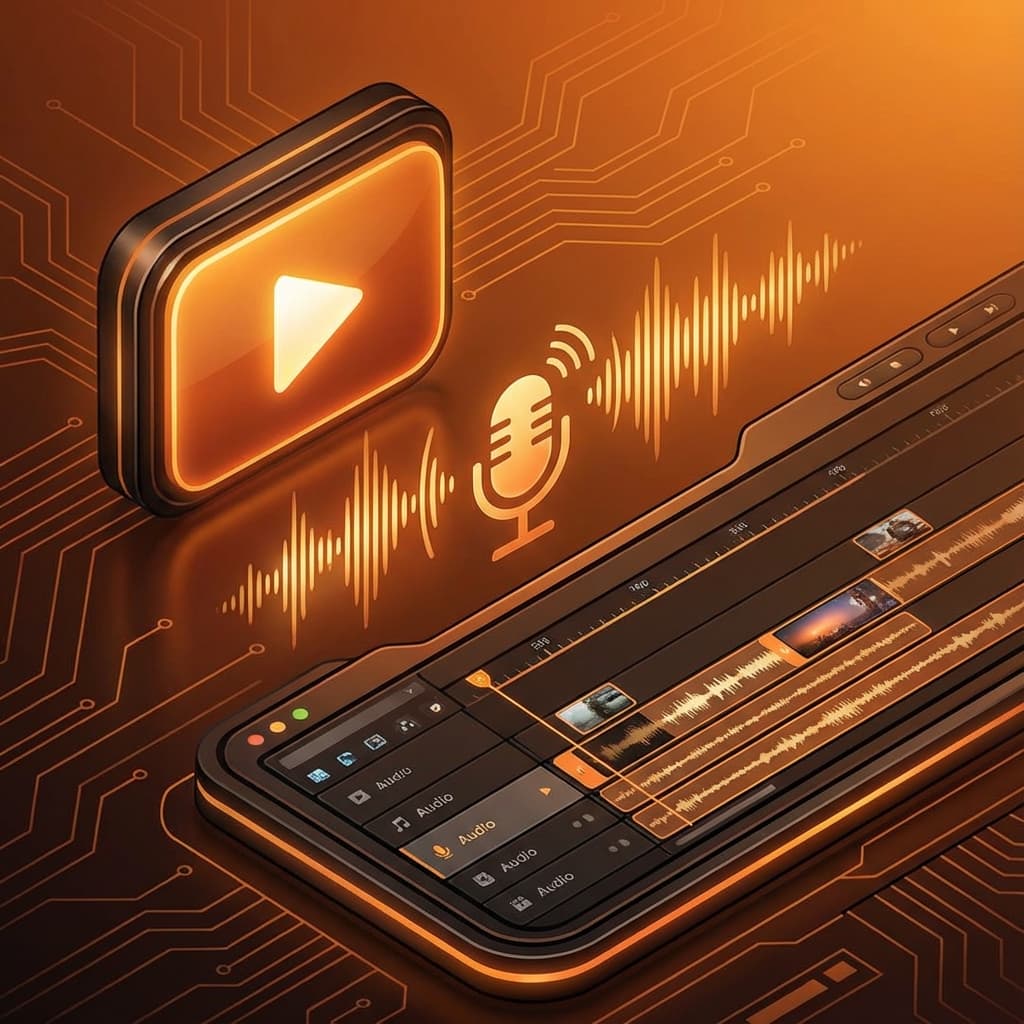
Import audio into your editor:
- Premiere Pro: Drag to timeline
- Final Cut Pro: Import to project
- DaVinci Resolve: Add to audio track
- CapCut: Upload as voiceover
Tips for Better YouTube AI Voiceovers
Sync with Visuals
Time your script to match on-screen action. Use shorter sentences for fast-paced edits.
Add Background Music
Layer music underneath (at 10-20% volume) for production value.
Use Multiple Voices
For tutorials with different sections, consider using different voices for variety.
Popular YouTube Niches Using AI Voices
- Faceless channels - Reddit stories, facts channels
- Educational - How-to tutorials, explainers
- Documentary style - History, science, nature
- Product reviews - Tech reviews, unboxings
- Meditation/ASMR - Relaxation content
Monetization Considerations
YouTube allows AI voiceovers for monetization as long as:
- Content provides value
- You own rights to visuals
- Audio is original (not copied)
Conclusion
AI voiceovers are a game-changer for YouTube creators. With LangVoice, you can produce professional videos faster and more affordably than ever.
Start creating your next viral video today!
Tags
Ready to Transform Your Text to Speech?
Try LangVoice free and experience the most natural AI voices for your content.
Try LangVoice Free